Technical · 9 min read · 2026-09-25
Discover What an HWID Spoofer Does for Safety
Learn what hardware identifiers are, what an HWID spoofer changes, what it does not change, and how to evaluate compatibility.
What HWID means
An HWID spoofer changes or masks hardware identifiers that software can read from a Windows PC. HWID is short for hardware identification, but it is not always one fixed number.
Applications may build a device fingerprint from storage serials, motherboard data, network adapter values, or other system details. The exact mix depends on the software collecting the information.
A spoofer changes selected identifiers so the reported fingerprint is different. It does not replace the physical parts inside the computer.
What an HWID spoofer actually does
A spoofer sits between the operating system and the software reading device information, or it changes the stored values that Windows reports. The method determines whether the change lasts for one session or survives a restart.
Temporary spoofing
Temporary spoofing applies changed values while a driver or service is active. Restarting Windows may restore the original identifiers.
This method is easier to reverse because it usually does not rewrite firmware or permanent hardware data. It still needs to match the current Windows build and driver environment.
Persistent changes
Persistent methods try to keep selected values changed after a restart. They may edit system configuration, storage data, or other device records.
Because these changes last longer, recovery and compatibility matter more. A restore plan should be clear before any persistent method is used.
What spoofing does not change
An HWID spoofer does not change an account name, email address, payment record, IP address, or game files unless another tool handles those items separately.
It also does not guarantee that every application will see the same replacement fingerprint. Different systems can read different combinations of device data.
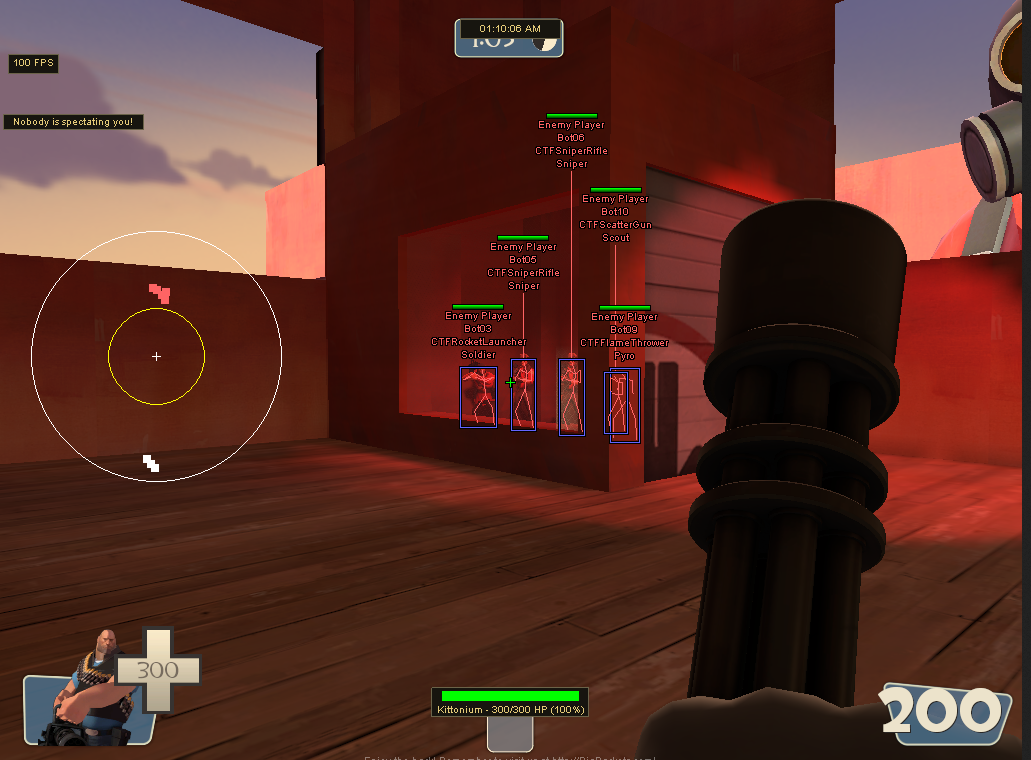
Spoofing is separate from a game enhancement menu. Players comparing aim, ESP, and radar options should use the complete TF2 feature guide for those controls.
How spoofing relates to safety
The safety value of spoofing depends on what identifiers a system checks and whether the selected method handles them correctly. Changing unrelated values adds complexity without improving compatibility.
Driver signing, Windows security features, and operating system updates can affect whether a spoofer loads. A method that worked on one Windows build may need an update after a major patch.
Clear status information is important. If a loader or driver is marked Updating, wait for compatibility testing before using that version.
Compatibility checks before use
Confirm the supported Windows version, whether Secure Boot or virtualization settings matter, and whether the method is temporary or persistent. These details should be documented clearly.
Close conflicting low-level utilities before loading. Hardware monitoring, RGB, virtualization, and security tools can install drivers that interact with the same parts of Windows.
Create a normal Windows restore point before any persistent system change. Keep recovery information separate from the active setup so it is available if Windows fails to boot normally.
How to verify identifier changes
Record the relevant identifiers before loading, apply the method once, and compare the same values afterward. Use the same tools for both checks so the results are consistent.
Restart Windows if the method claims to be persistent, then check again. A value that resets after reboot should be treated as temporary even if the interface describes it differently.
Do not judge success from one serial alone. A fingerprint can combine several values, so verification should match the identifiers the product says it handles.
Choosing the right product setup
Look for a clear compatibility list, update status, recovery steps, and support channel. Avoid assuming that more changed identifiers automatically means a better result.
If you are also reviewing Team Fortress 2 aim and visual features, the current product details and live status are available under tf2 cheats.
Treat the HWID tool and the game menu as separate components. Each should have its own version information, status, and troubleshooting steps.
Ready for tf2 cheats?
Check live VAC status, then buy aimbot, ESP, and radar for Team Fortress 2 on tf2cheat.com. Need help? Read support or player reviews. Own the game via the official site.
Community replies
Discussion prompts based on common player questions.
serialcheck
Windows 11 · 2026-09-25
The temporary versus persistent distinction cleared this up. I assumed every tool rewrote values permanently.
packetlane
Network · 2026-09-25
Good callout that IP and hardware IDs are separate. Those two get mixed together in forum answers all the time.
coldboot
PC Builder · 2026-09-25
Checking again after a restart is the important test. One of my values looked changed until the next boot and then went straight back.
driverdesk
Support · 2026-09-25
Listing the Windows build and security settings before troubleshooting saves a lot of time with driver compatibility questions.
Frequently asked questions
Is an HWID one permanent number?
Usually not. Software can combine storage, motherboard, network, and other device values into a fingerprint, and different applications may use different combinations.
Does a temporary spoofer survive a restart?
Usually no. Temporary methods often restore the original identifiers after Windows restarts or after the related driver unloads.
Does an HWID spoofer change my IP address?
No. Hardware identifiers and public network addresses are separate. An IP change requires a network-level method.
Why does Windows compatibility matter?
Spoofers may depend on drivers and low-level operating system behavior. Windows security or driver changes can stop an older build from loading correctly.
How can I confirm that spoofing worked?
Record the supported identifiers before and after applying the method with the same checking tools. Restart and check again if the product claims the changes are persistent.